The Basics of Creating a Pilates Website
Creating a website for a Pilates studio can be surprisingly complex. In this article, we’ll walk through the bones of what you need to get started, including the most important pages, booking, and visual identity.
Summary:
The 3 Basic Principles of Creating a Pilates Website:
Start with the pages you for sure need
Make sure booking is simple and easy
Use real photos of the location, studio, classes, and people
What Pages Should a Pilates Website Have?
These are the most important pages for a Pilates website:
Home
This is where all your visitors will land, and it’ll be like visiting a friend’s house for the first time. What does it look like, feel like, smell like? Your home page makes the first impression, and you’ve got to do it in less than 10 seconds.
Here’s the short breakdown of why:
3 Seconds: Within the first three seconds, your brain assesses the visual layout and whether it’s worth sticking around. Think colors, layout, hero text.
10 Seconds: If a reader likes what they see, they’ll spend around the next 7 seconds reading headlines and skimming for core info to get the gist of what you’re offering.
Make sure your home page includes:
A "Book a Class" button before the fold
Pricing and availability that’s easy to find
Classes & Pricing
This is objectively the most important page, since it directly links people to your classes. Make sure this goes up right after your home page, and it’s clean, simple, and easy to use.
Contact
You never know why someone might need to contact you. Use a simple page with direct information on how to get ahold of you, or a form to fill out. Always include a timeframe for when they can expect a response from you or your team.
These make up the skeleton of your website and are all you need when getting started.
Secondary Pages for a Pilates Website
If you’re ready to add more, I recommend these additional pages for a growing Pilates website:
About
People want to get to know the studio and the person behind the brand before becoming a client. Working out, going somewhere alone, meeting new people, and doing new experiences can all be nerve-wracking for many people.
Set them up for success by showing what the building and parking look like, explaining the history or inspiration behind the studio, offering introductory videos on what to expect–and more! Get creative and put yourself in the shoes of potential and long-term clients. What would they want to know?
Instructor bios
If it’s just you or you have multiple people at your studio, take a moment to introduce who you are, your teaching philosophy, and what your class experience is like.
FAQ
For all the very specific questions that are on everybody's mind, like:
Pricing
Accomodations
Accessibility
Equipment used
Class length
Tardy policy
A page or section dedicated to them can help readers quickly and keep you from having to answer the same questions over and over. If you’re making a frequently asked questions page, make sure it’s easy to find, and be frugal with the questions you add. An infinitely long list of questions and answers is as good as none.
Reviews
People trust other people. Make sure you’re collecting real reviews from real people and showcasing them on your website. Put a section on your home page that links to a page of its own where people can read all about how great you are.
Tertiary Pages for a Pilates Website
If you’re really looking to go all out and add every bell and whistle you can to your hot-rod of a website, here are the pages I’d recommend:
Blog
Having a blog is a long-term strategy for finding new clients and establishing yourself as a trusted source in the global industry. The more search engines recognize that you’re a studio to be reckoned with, the more they’ll show it to people in your area searching “Pilates near me”.
“How do I do that?” you say? Well, on top of formatting your website correctly, writing blogs that cover different topics related to Pilates will reinforce that your content is worth showing people.
Community Events
Don’t underestimate the power of spreading the word. Becoming a source of event info in your niche will attract your target audience. They’ll check your socials or website consistently for new events and, in doing so, will see your own events, your business, and why they should one of your classes a try.
Create a Simple Booking Process
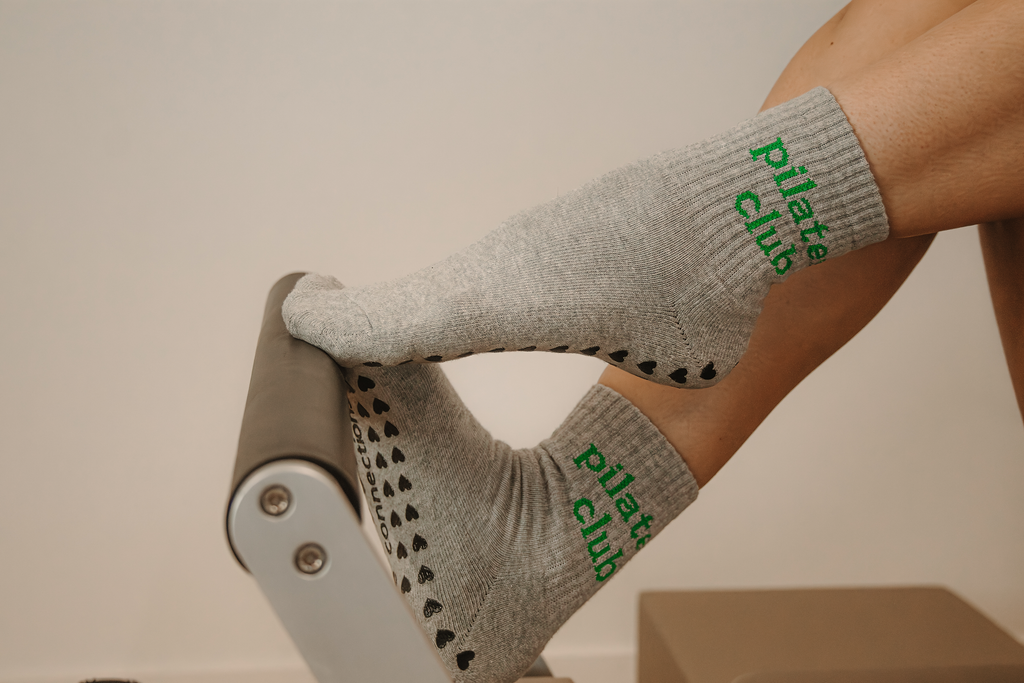
Making a decision on who you’re going to spend your hard-earned cash is hard enough; don’t hinder them with a clunky, slow, or complex booking experience.
Tips for Making a Simple Booking Process for a Pilates Website
Include a "Book Now" call to action throughout your website
Make sure to exclude the contact and booking pages for redundancy. Depending on your site's layout and available space, a button in the header or footer could be a nice touch too.
Link to a calendar
Have your CTA buttons link to a booking interface with a simple layout. Calendar views are a popular choice, along with timeslot blocks. Bonus if you can show customers how full the class already is before booking.
Add reviews
Let potential clients read through reviews on scheduling pages so they get positive affirmation from real people that they’re making the right choice.
Use Real Photos
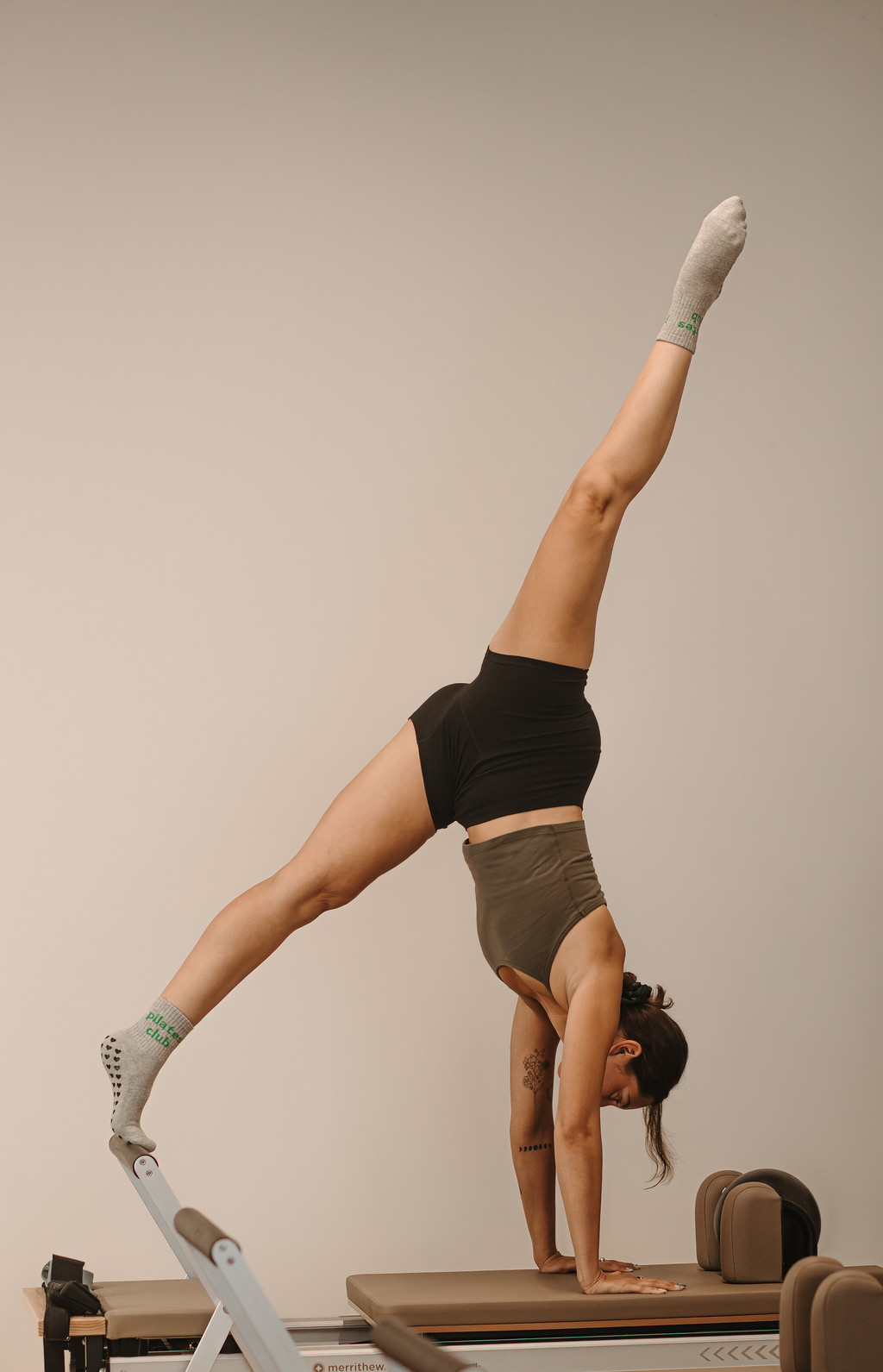
Clients don’t like surprises, that’s why it’s so so important to include pictures that visually describe the experience and help people envision themselves there. They’re not surprised when they get there and the entrance is around the back–because you photographed it. They don’t wonder if the bathroom accommodates them–because they can see what it looks like before using it.
Here Are 3 Tips When Getting Photos for Your Pilates Website:
Don’t Use a Phone
Yes, it looks good on social media and for sending between friends, but those file sizes are just too small to accommodate website needs like backgrounds or hero images. If you use photos taken from your phone, you’re going to end up with blurry, pixelated images on your website. Make sure to use a camera or consult a photographer specializing in businesses (like little ole’ me).
Capture Everything
Take pictures of the room, the reformer or mat space, the front door, the building, parking, where people hang their stuff, where the bathroom is, up close shots of equipment–the list goes on. What isn’t a focus image can be used as background or atmosphere.
Keep Style Consistent
It’s obvious when one picture was edited for your brand, and another was sent over by a friend. Regardless of how you choose to take or edit your photos, make sure they use the same filter variations so they look consistent across your website.
To sum everything up, you’re going to start with the most important pages, including your home page, classes and pricing, and contact page, then expand with instructor bios, FAQs, reviews, a blog, and a local events page later on when you’re ready. Prioritize simple booking processes, short and clear information, and professional photography.
Thanks for reading; until next time!

Hi, I’m Drey
I help others bring their human values, personal integrity, and unique quality into their businesses through marketing, copywriting, and local brand photography.
Working with real people building businesses who genuinely care about the communities they serve.